
The House Points app, in every teacher's pocket
Teachers award points from their phone in two taps, and admins set up the whole school from a laptop. Try both on this page, with a sample school.
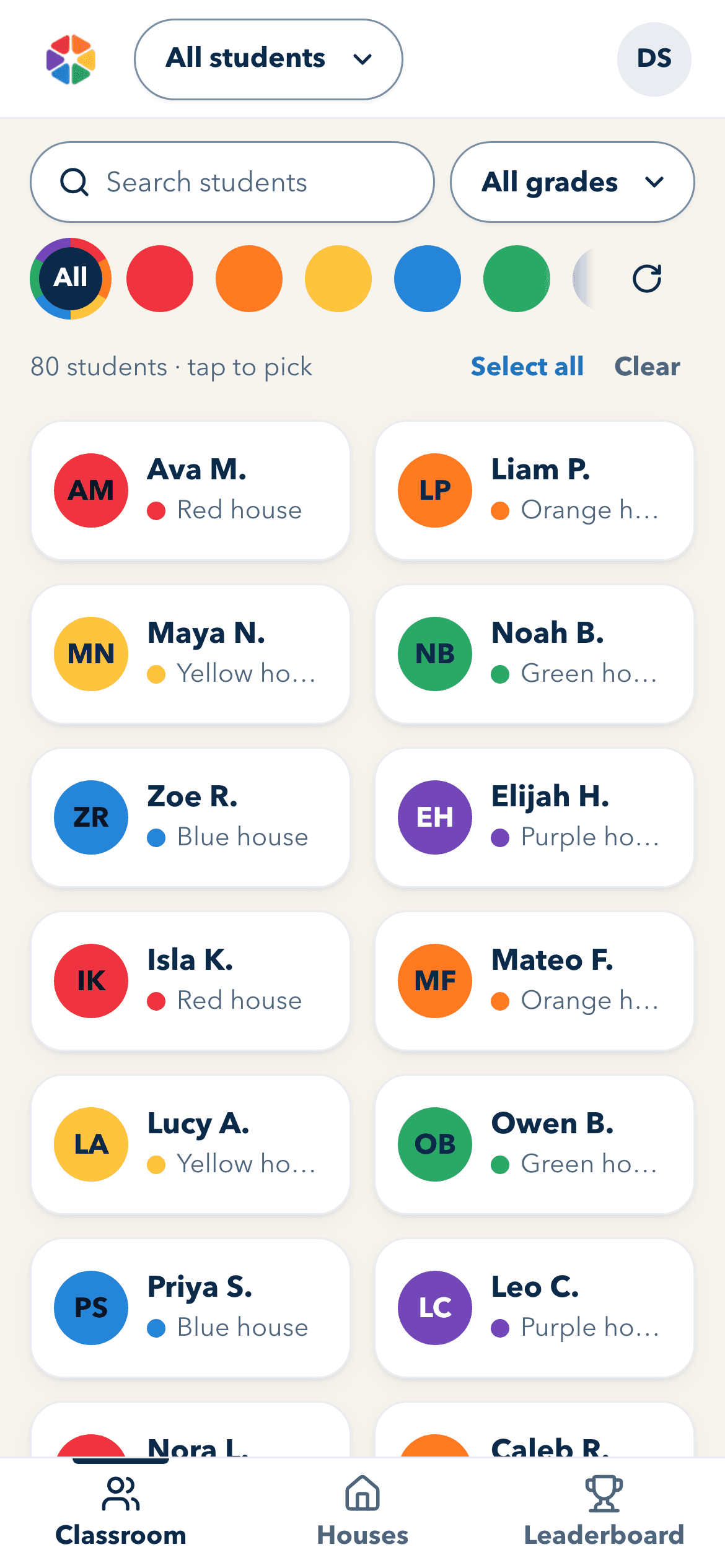
Two taps from a good moment to a house point.
The teacher app's screens, with a sample class. Tap a few students, tap a value, then see it on My Points and the leaderboard.
Tap a few students, then a value. Each student's house gets the points.
Sample screen: nothing is saved
Set up the whole school from one place.
Name the houses, choose the values, invite staff, bring in the roster and pair the hallway TV. A category switched off here leaves the teacher's phone above.
Works offline. Installs like an app.
Opens with no Wi-Fi
Once it's on a phone, the app opens in the classroom with the weak signal, or none at all.
Keeps every award
Points given offline wait on the phone, and send the next time the app is open and online.
Sits on the home screen
Added from the browser in a minute, it opens full screen, like the phone's other apps.
Get it on your phone
First open app.ourhousepoints.com on the device you want it on (scan the code or tap the link), then:
On an iPhone or iPad
- Tap Share in Safari (at the bottom of the screen on iPhone, at the top on iPad).
- Scroll down and tap Add to Home Screen.
- Tap Add.
Then open House Points from your Home Screen. You may need to sign in once there.
Other devices
First open app.ourhousepoints.com on the device you want it on (scan the code or tap the link), then:
On Android
- Tap menu at the top right of Chrome.
- Tap Install app (on some phones it says Add to Home screen).
- Tap Install, then open House Points from your home screen.
On a Windows PC or Chromebook
- Click the install icon at the right end of the address bar.
- No icon? Open the browser menu and look for Install: in Chrome it's under Cast, save, and share, in Edge under Apps.
- Click Install.
On a Mac with Safari
- In the menu bar, choose File → Add to Dock.
- Click Add.
This needs Safari 17 or later (macOS Sonoma).
On this browser
This browser can't install apps. Open app.ourhousepoints.com in Chrome or Safari to install it: Chrome on Android, Windows or a Mac, or Safari on an iPhone, iPad or Mac.
Sign in with Google or an emailed code.

Bring House Points to your school
One price per school, per year, with the app for every teacher and staff member. Contact us for pricing, and we'll show you your own houses on the hallway board.